
Set up Coil in five minutes
You'll need the watch with Coil installed, your phone for the first step, and your key card. Do the rest from the driver's seat.
-
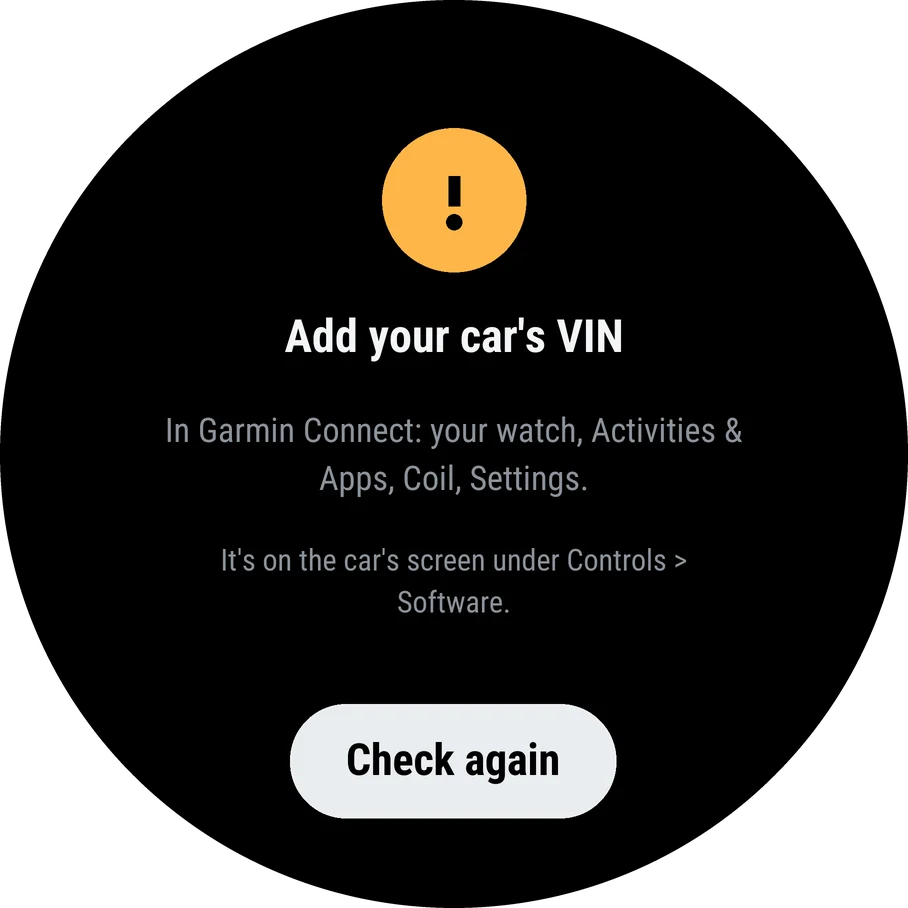
Add your car's VIN in Garmin Connect
On your phone, open Garmin Connect, then your watch, Activities & Apps, Coil and Settings, and type the VIN. Coil uses it to sign every message to your car.
The 17 characters are on the car's screen under Controls > Software, and in the Tesla app.
-
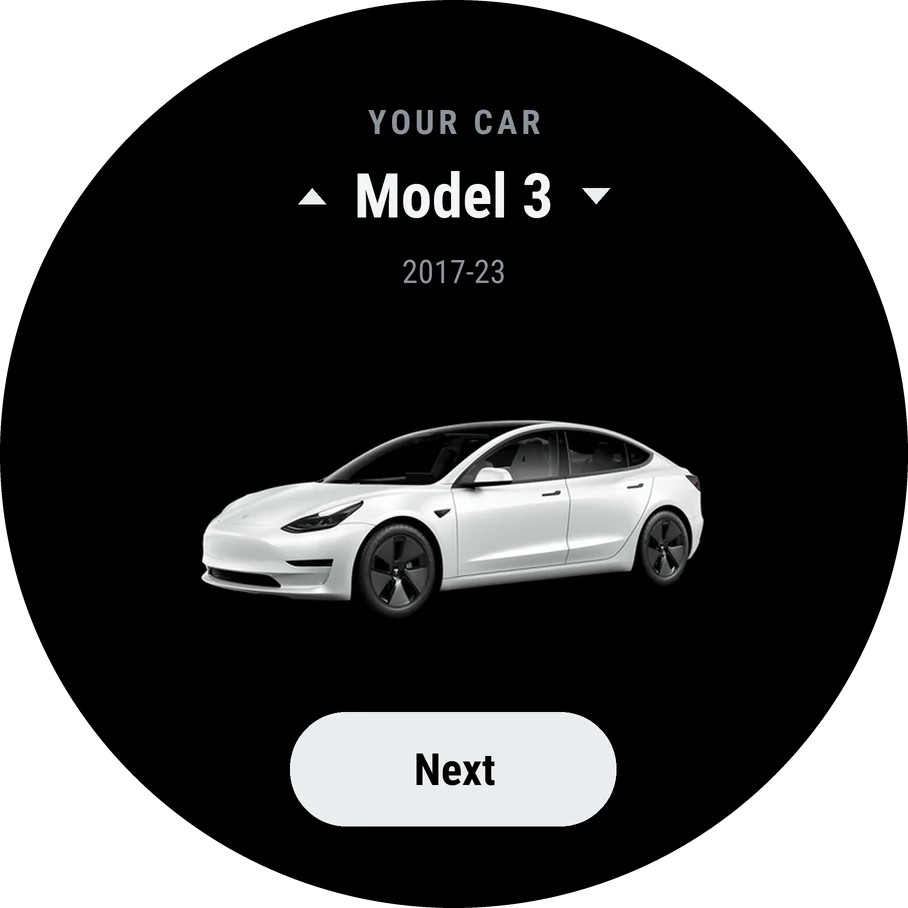
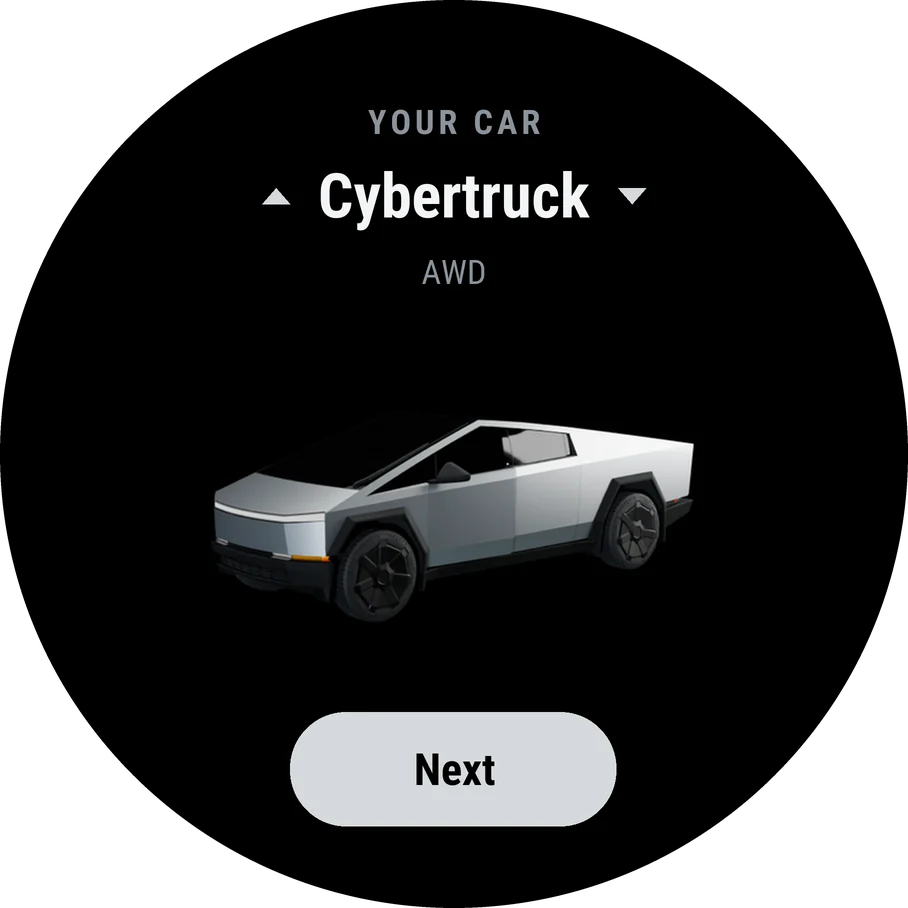
Choose your car
Open Coil on the watch. Turn to your model with UP and DOWN, and press START.





-
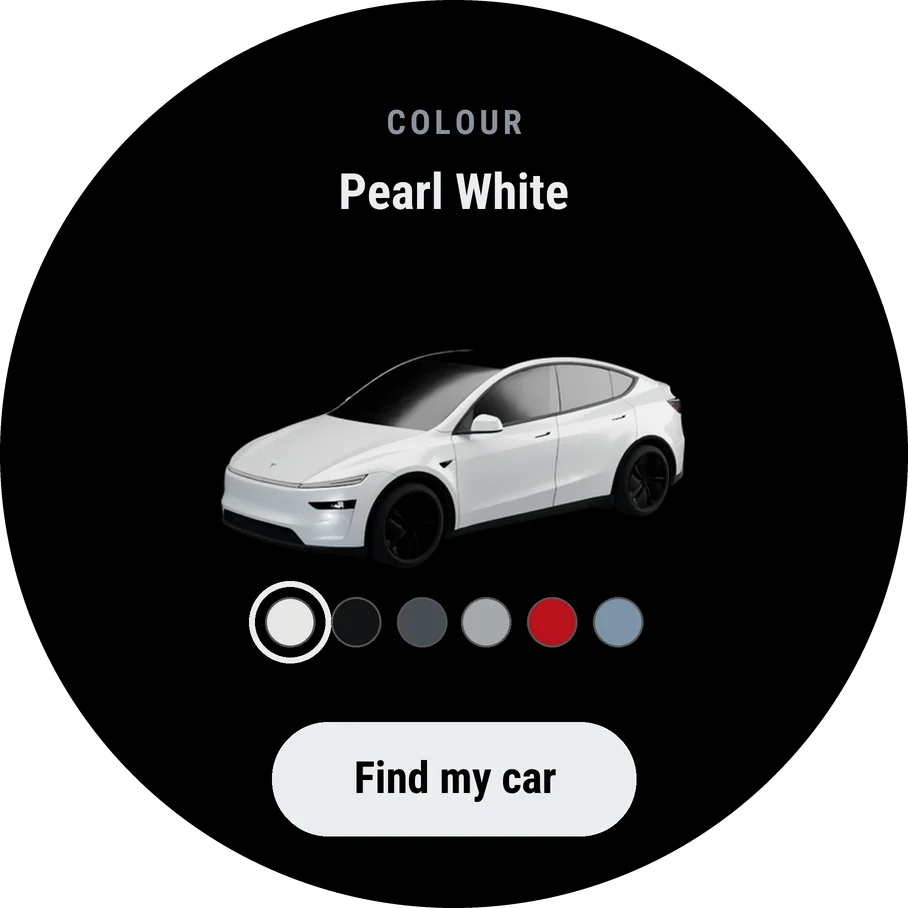
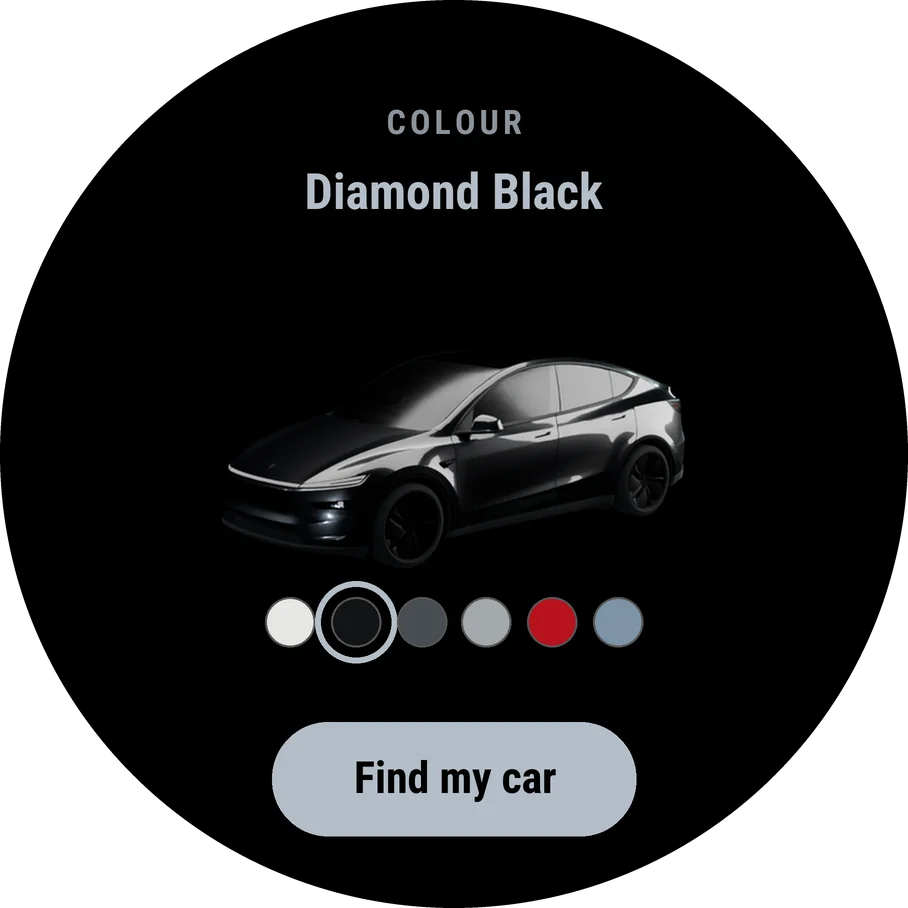
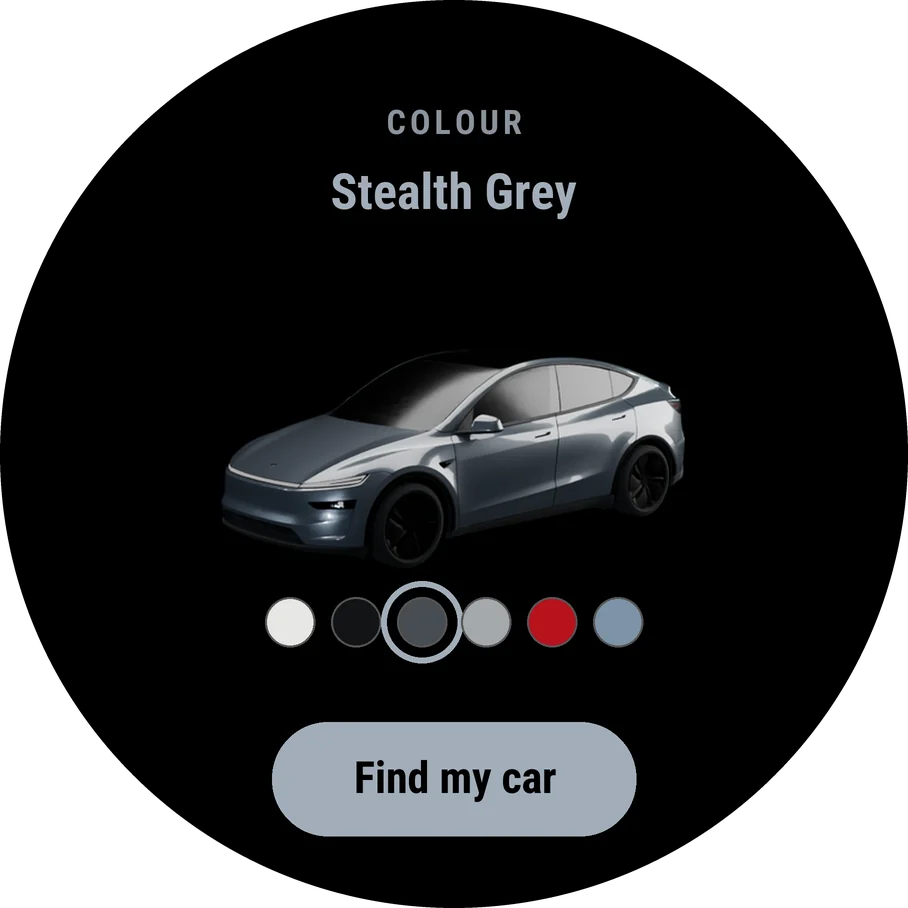
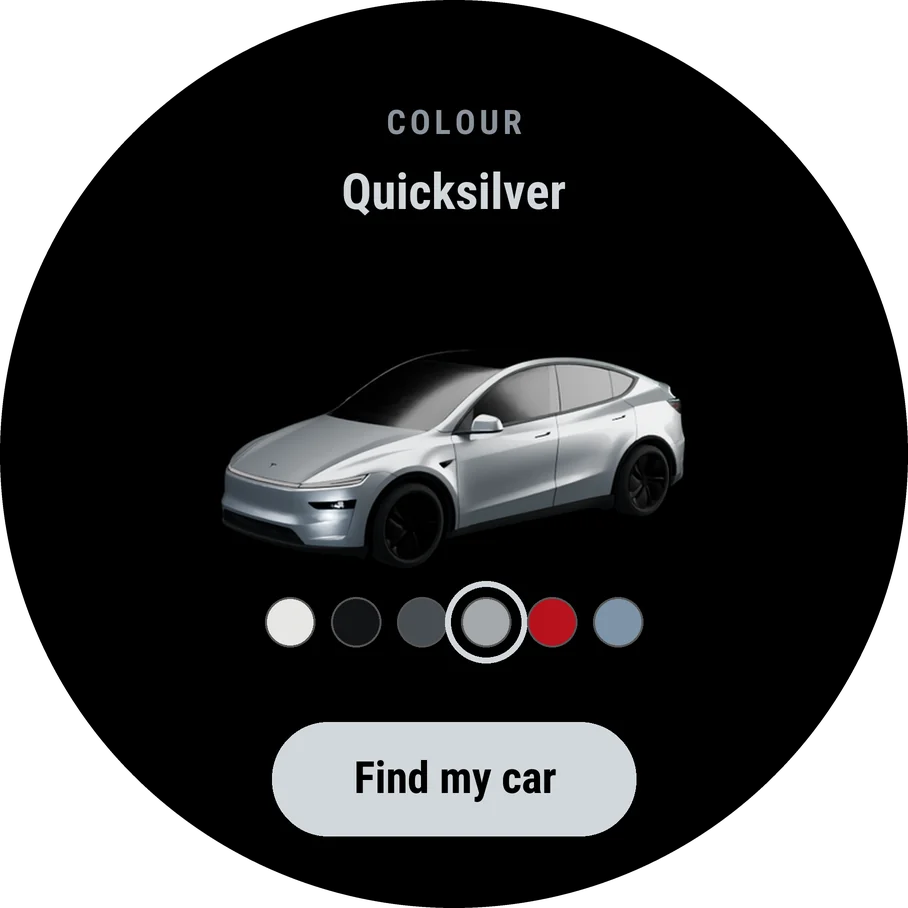
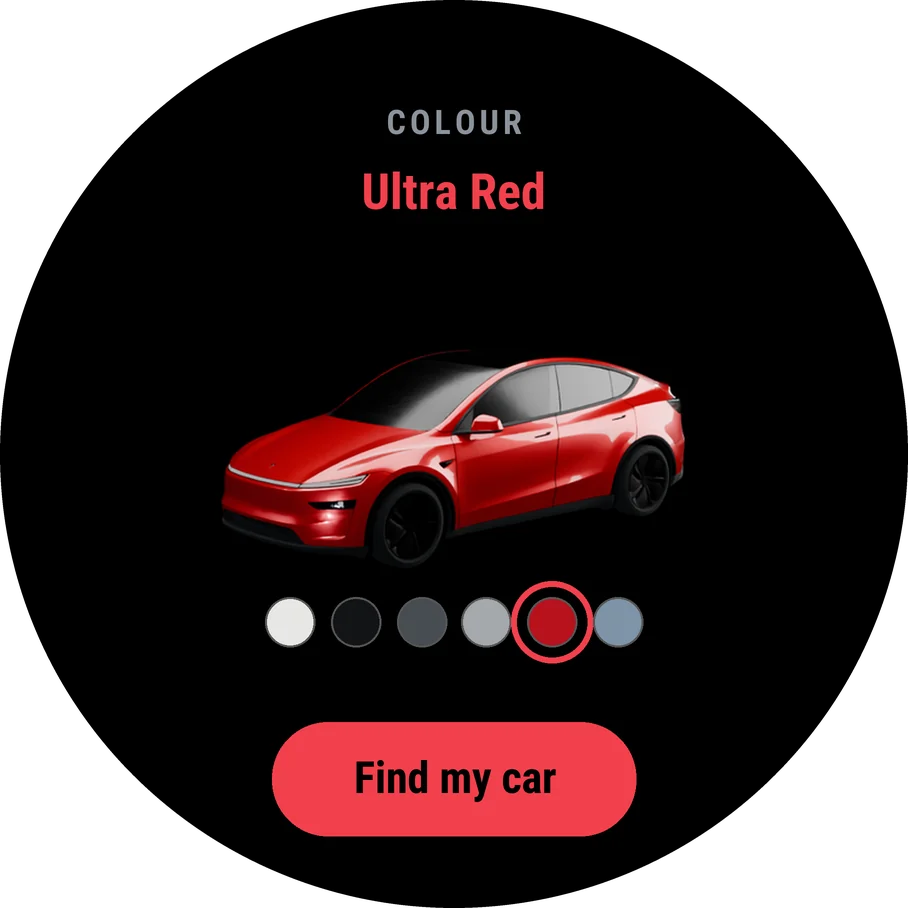
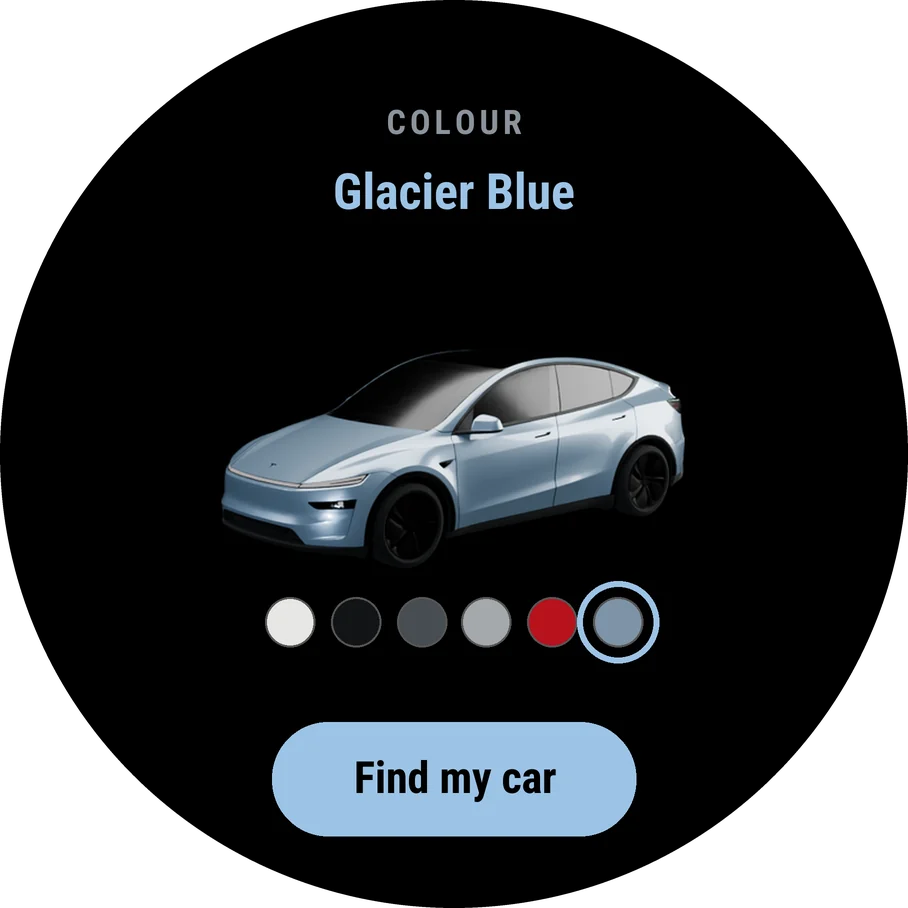
Choose its colour
Turn to your paint with UP and DOWN, and press START. Coil draws your car in it, and its buttons and highlights take on the colour.
-

Sit in the car, and find it
From the driver's seat, choose Find my car. The watch looks for your car over Bluetooth and finds it in a few seconds.
-
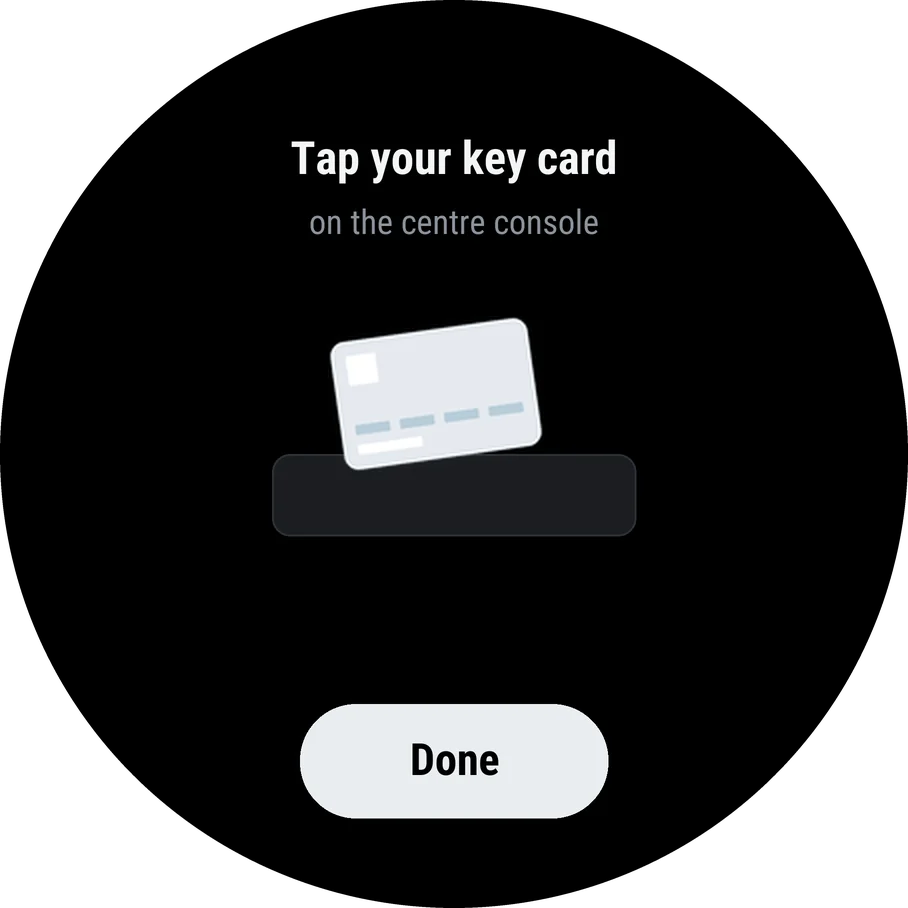
Tap your key card on the console
When the watch asks, tap your key card on the reader in the centre console, then press Done on the watch.
The car only adds a key that a key card vouches for. That is what keeps anyone else from adding one.
-

Press Confirm on the car's screen
The car asks whether to add the key. Press Confirm, and the watch carries on by itself.
-
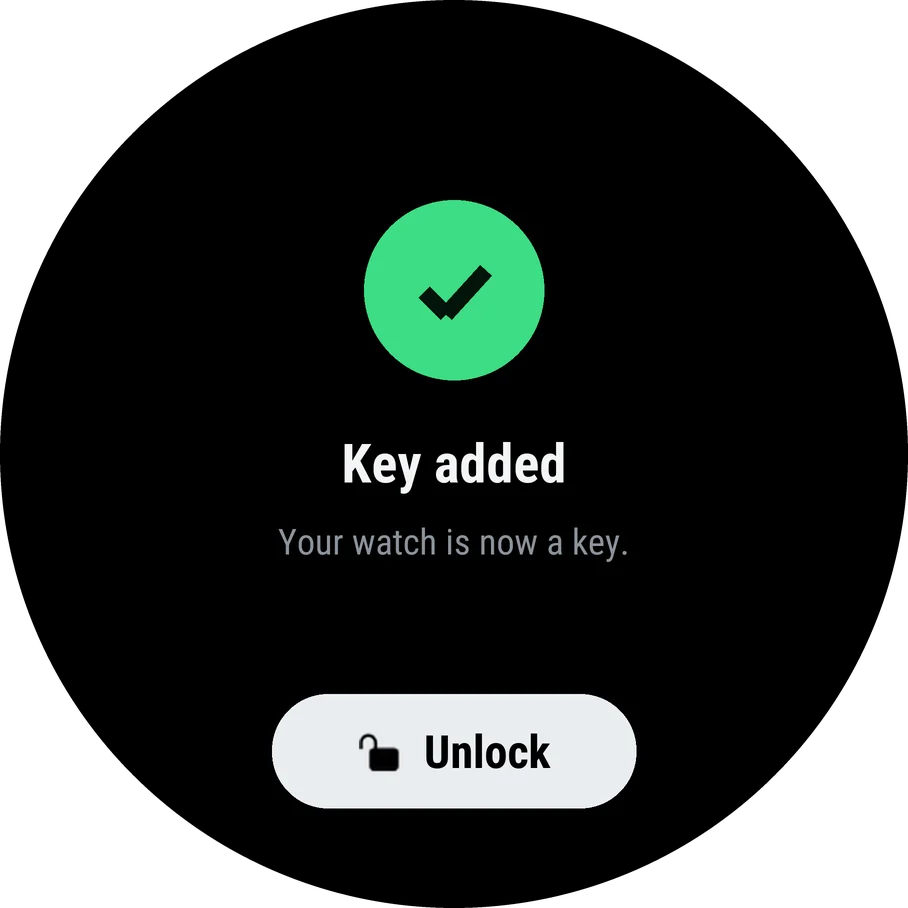
That's it: your watch is a key
Coil checks the new key with the car and tells you it worked. Press Unlock to try it.


If setup stops
The watch says what went wrong in plain words. Most of the time, trying again from the driver's seat is all it takes.
Stay close
Keep the watch on and sit in the driver's seat until the key is added. The car and the watch talk best within a few metres.
Tap the card when asked
Tap it after the watch shows the card, not before, and press Confirm on the car's screen when it appears.
Check the VIN
If the watch says the VIN looks wrong, check it in Garmin Connect against Controls > Software in the car.
Try again
Choose Try again on the watch, or Set up again from Coil's menu. If it still stops, tell us and we'll help.
Using Coil
Coil works like the watch's own apps: the buttons do the same things everywhere.
Removing the key
Selling the watch, or lost it? Take its key off the car, as you would a lost phone.
On the watch
Hold UP and choose Remove key. The watch forgets its key straight away.
In the car
Open Controls, then Locks, find the watch's key in the list and delete it. The car asks for your key card to confirm. Do this even if the watch is lost.